Load-In
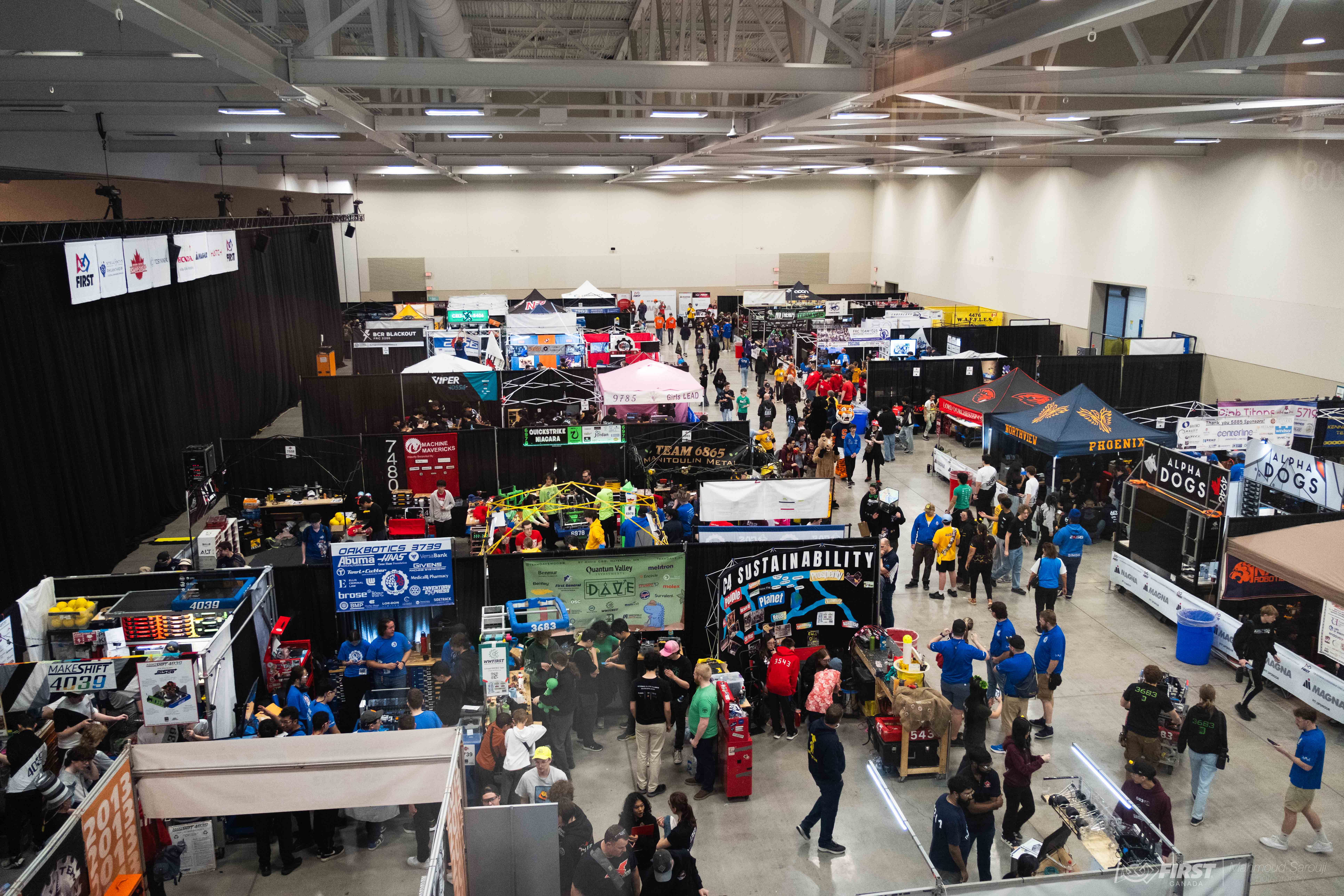
Before matches can start, we need to get everything set up. The load-in window is our time to do that.
Load-in is generally optional for students who don't have key pit and drive team roles, as there are no real matches being played and limited jobs to do for several hours. At most in-season events its the only thing happening on the first day, so staying back can mean more time at work or school.
Pit Setup
The first job during load-in is unloading and setting up the pit. This process is limited to 5 people (generally 1-2 mentors, 3-4 students) per team. We'll coordinate a load-in team before events so people know whether they'll be involved in this process.
Work Time
Once the pit is set up, we can continue working on the robot. If we stayed on schedule during build season there shouldn't be any work and we can go right to inspection, but that isn't always the case.
Inspection
Before we can get on the field, the robot must pass an inspection. There's an extensive inspection checklist used for this process.
Practice Matches
Once we're inspected and happy with the robot's condition, we can take it out to the field for practice matches. As the name implies, practice matches give us a chance to get comfortable on the real field and make sure the robot is performing as it should. How many practice matches we can get varies quite a bit from event to event.